
YOUR 3D PRODUCTION WORKSPACE
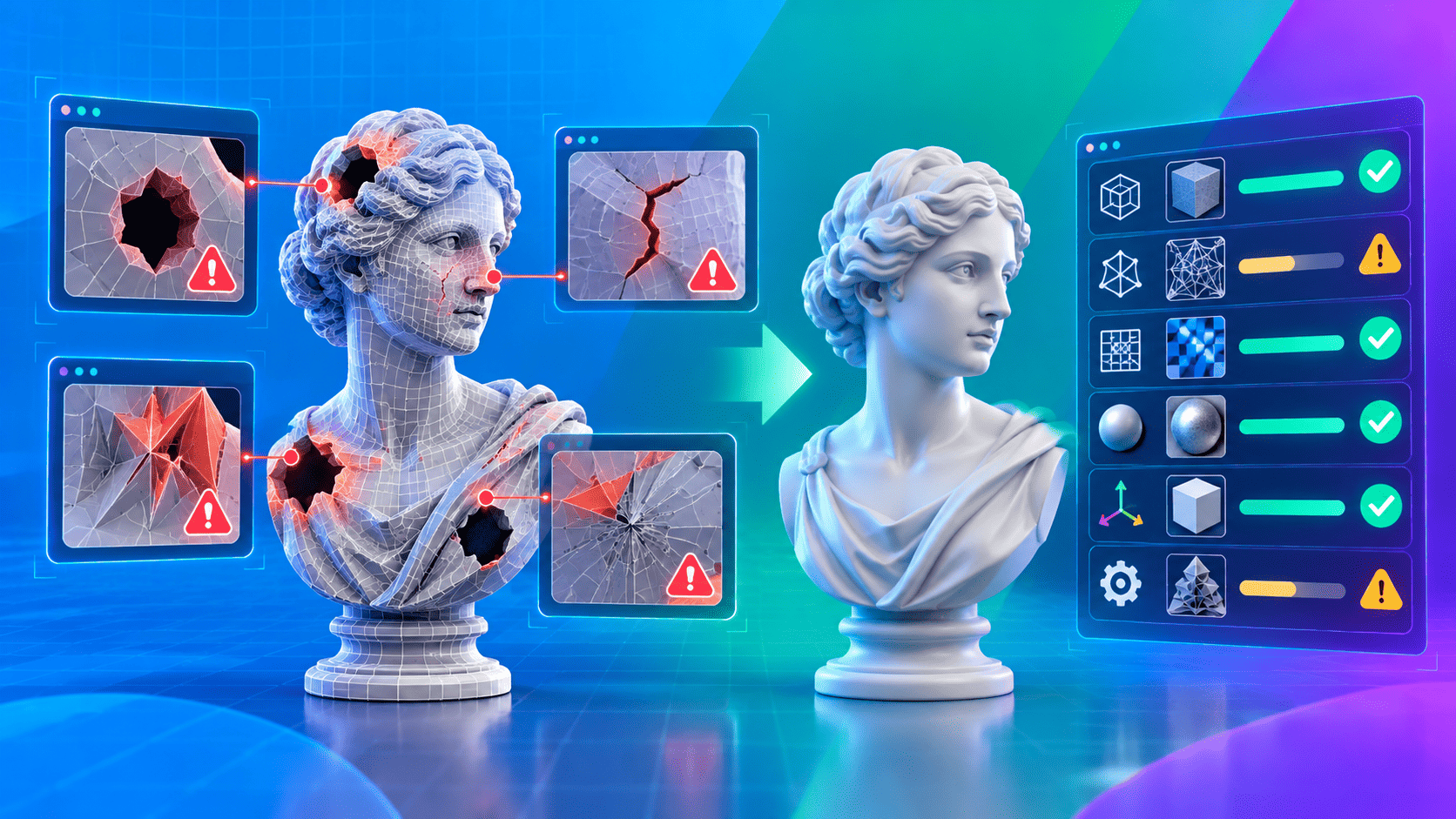
Production-ready 3D tools. Right in your browser.
Start with ready-to-use resources. Analyze models, clean meshes, generate LODs, optimize textures and build animation workflows—all in your browser.
- No installation
- GLB · glTF · FBX
- Free to get started
- Professional workflow
3DLABTOOLSProduction workspaceBrowser based
A HEAD START
Start with a ready-to-use 3D asset.
Loading the Resource library…
ONE CONNECTED WORKFLOW
From raw model to production-ready.
- 01
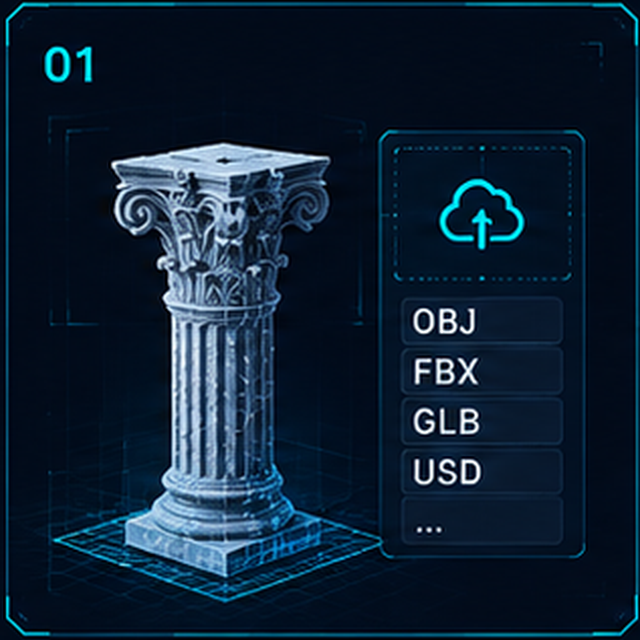
Upload / Choose
Open your own model or find an asset in Resources.
Your starting asset - 02
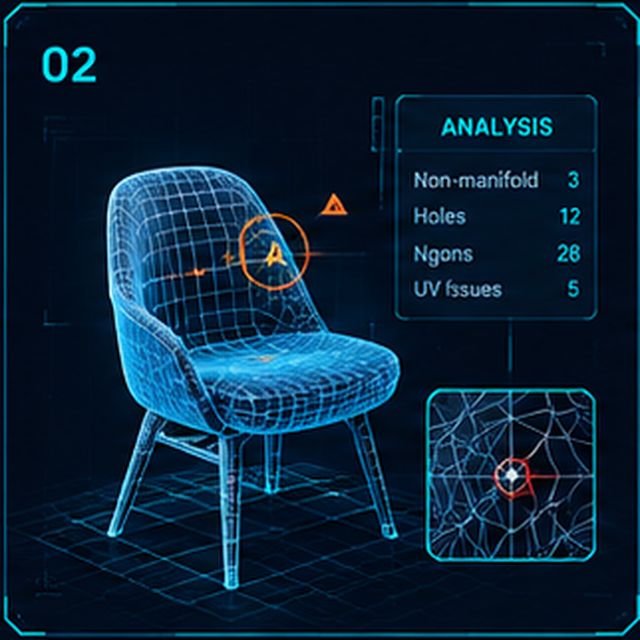
Analyze
Inspect geometry, materials and asset readiness.
A clear asset report - 03
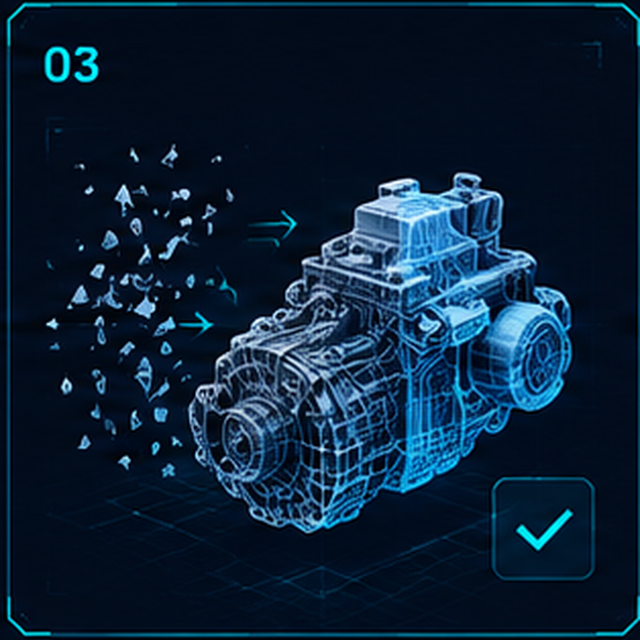
Clean
Review mesh issues and apply the cleanup it needs.
A validated cleanup - 04
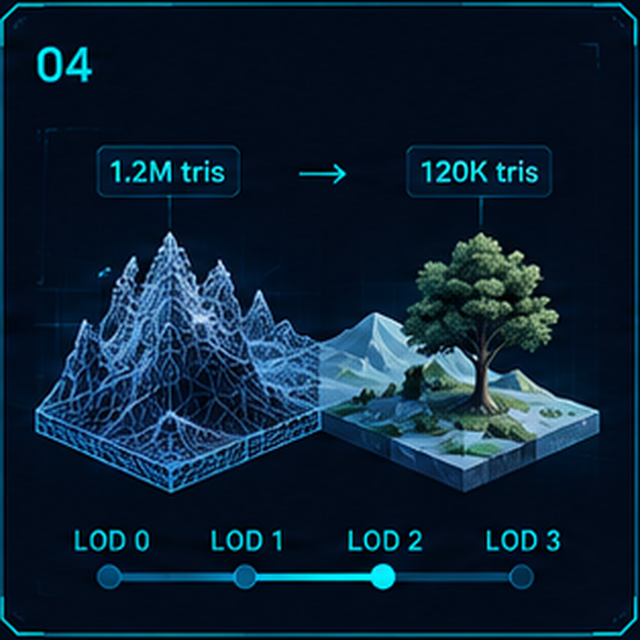
Optimize
Reduce geometry and texture weight for your project.
A lighter asset - 05
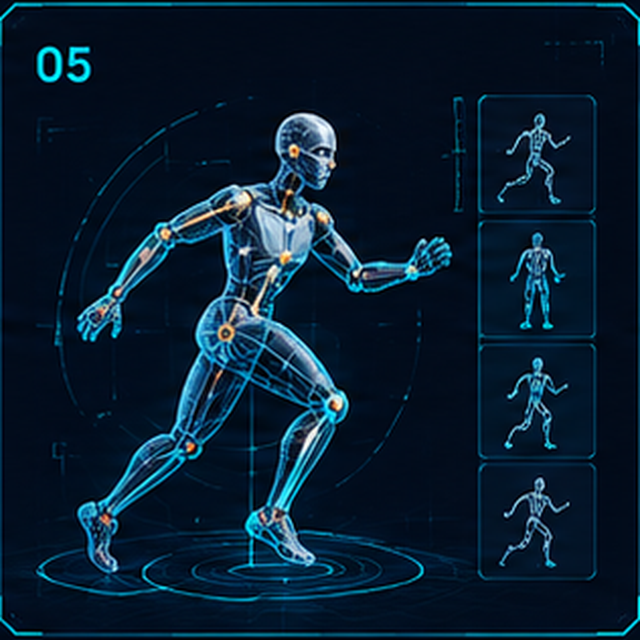
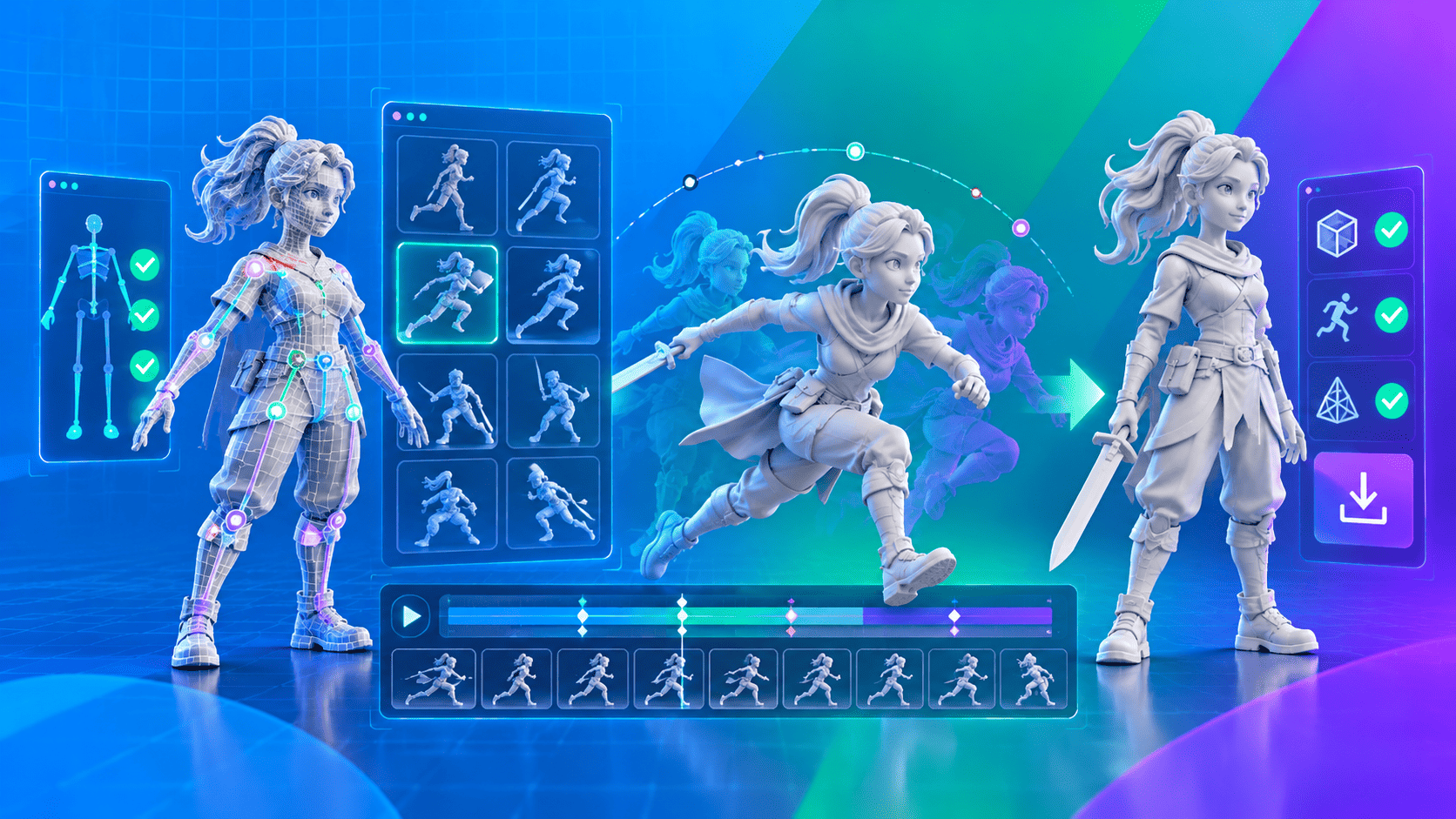
Animate
Prepare a character and review its motion.
Animation ready to review - 06
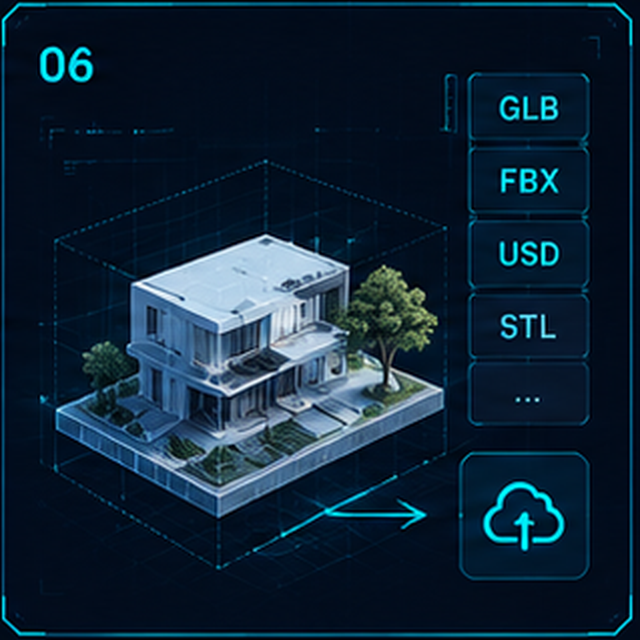
Export
Review the result and download your supported output.
An asset to take forward
YOUR PRODUCTION TOOLKIT
Everything you need. All in one place.
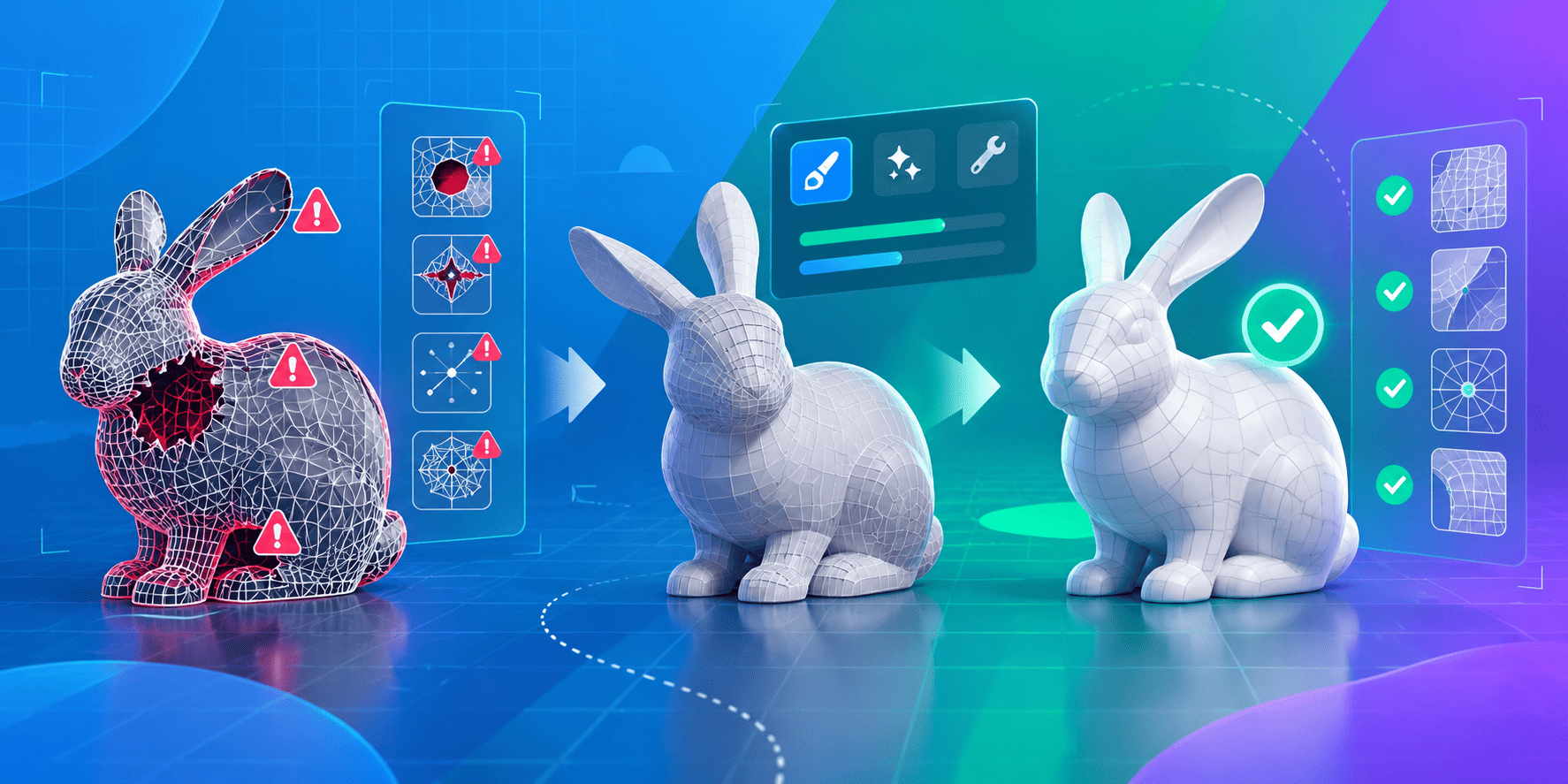
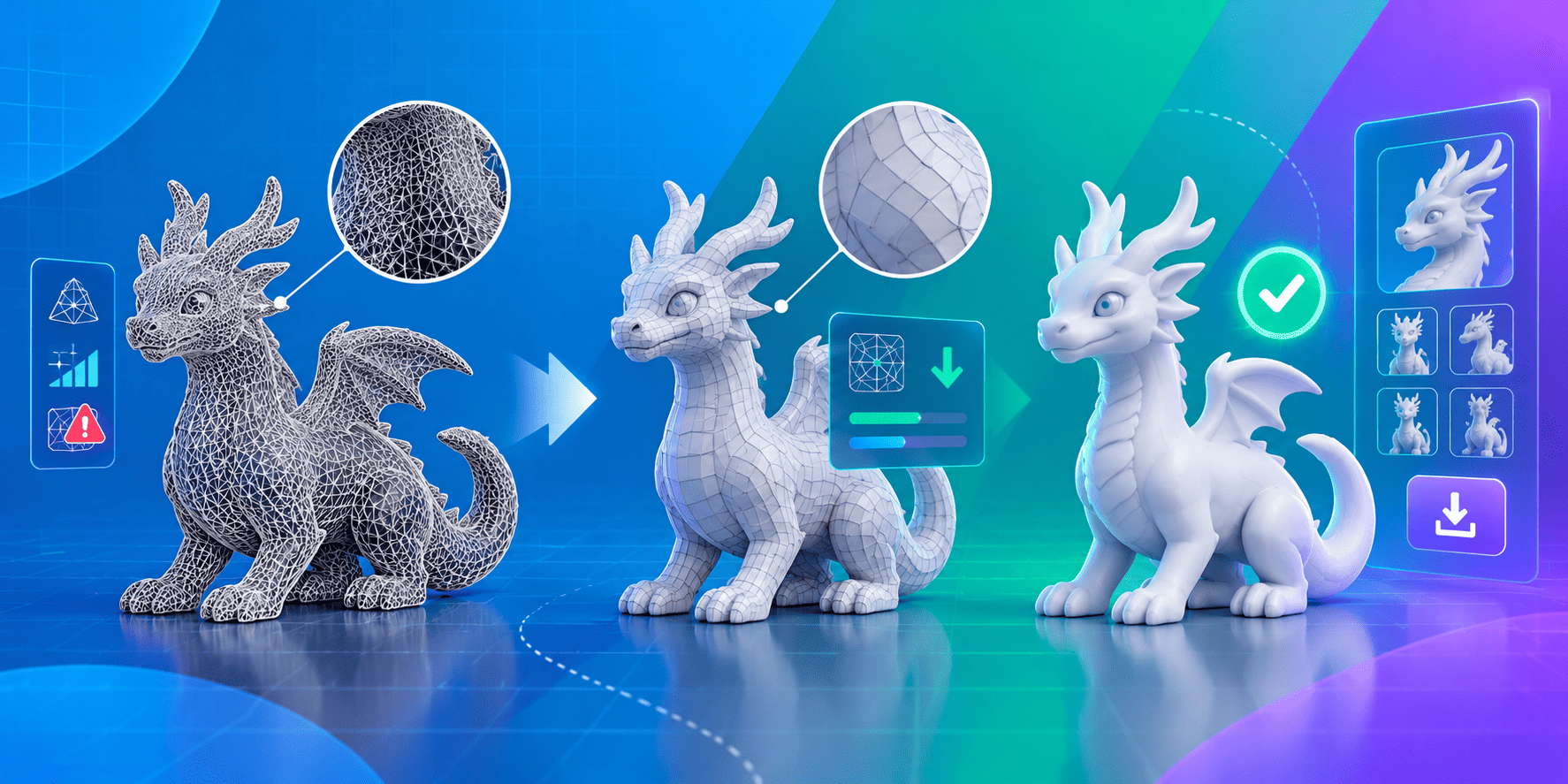
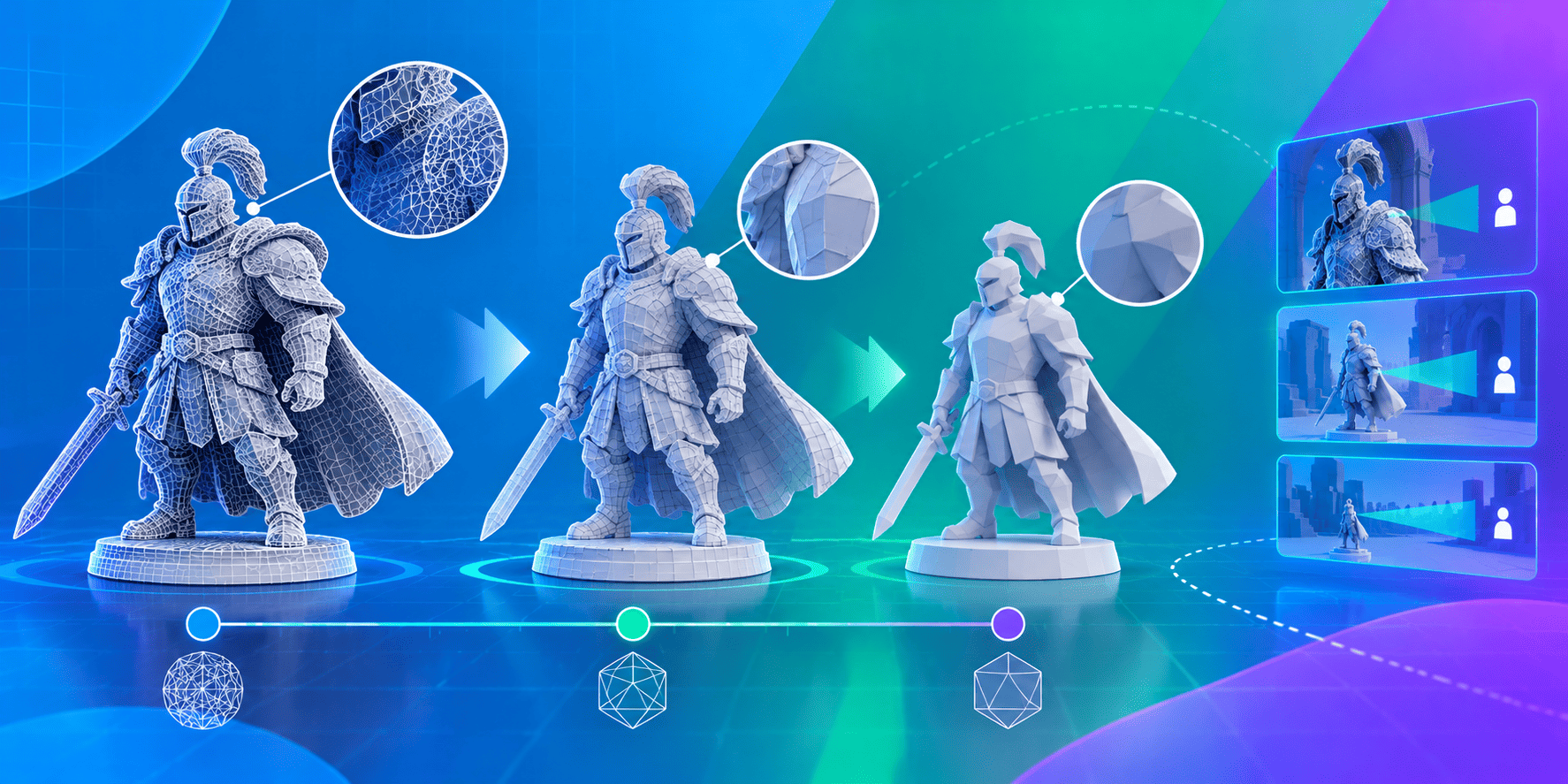
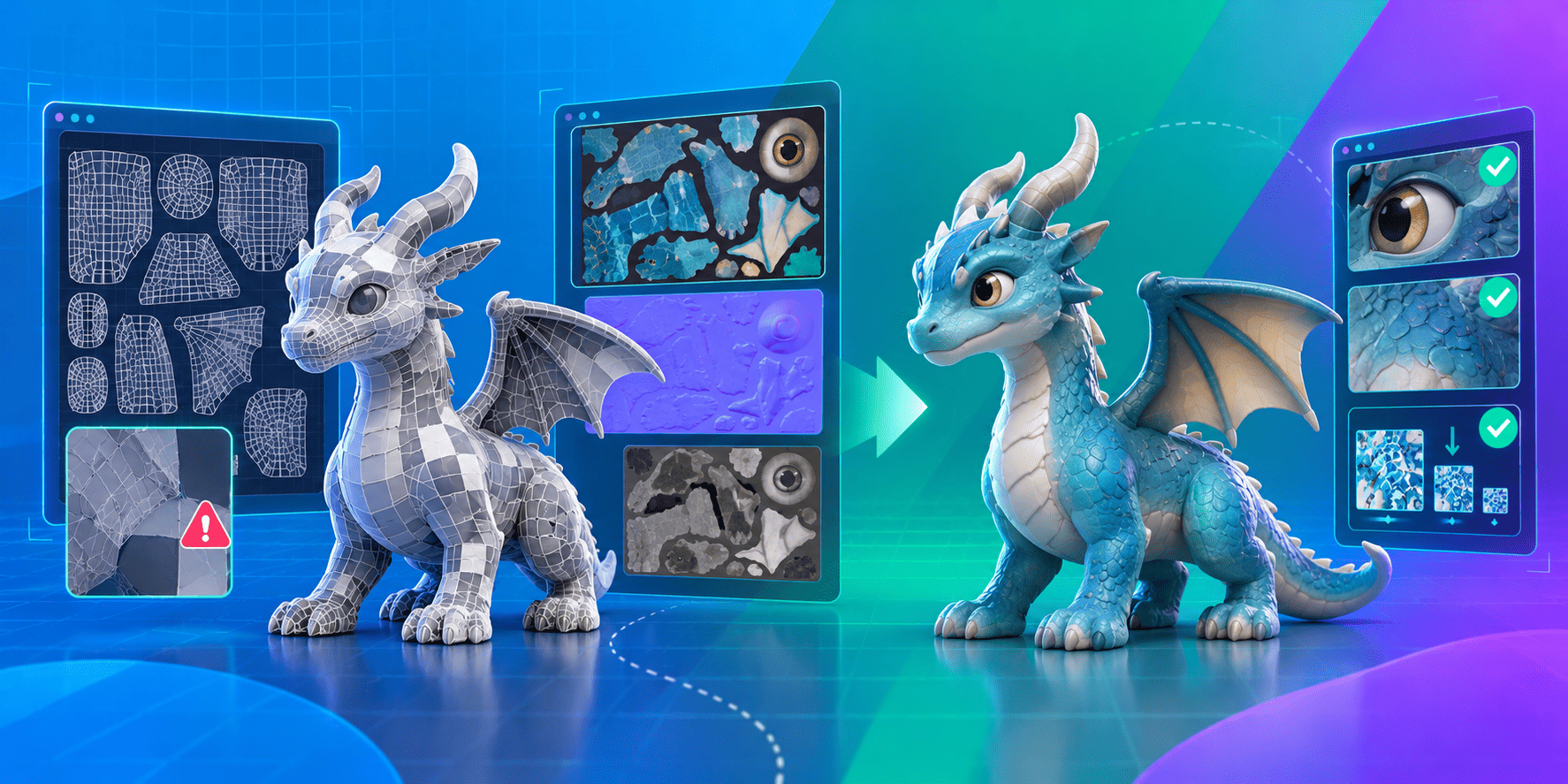
REAL ASSET. MEASURED RESULT.
See the difference.
Less geometry.
A result you can verify.
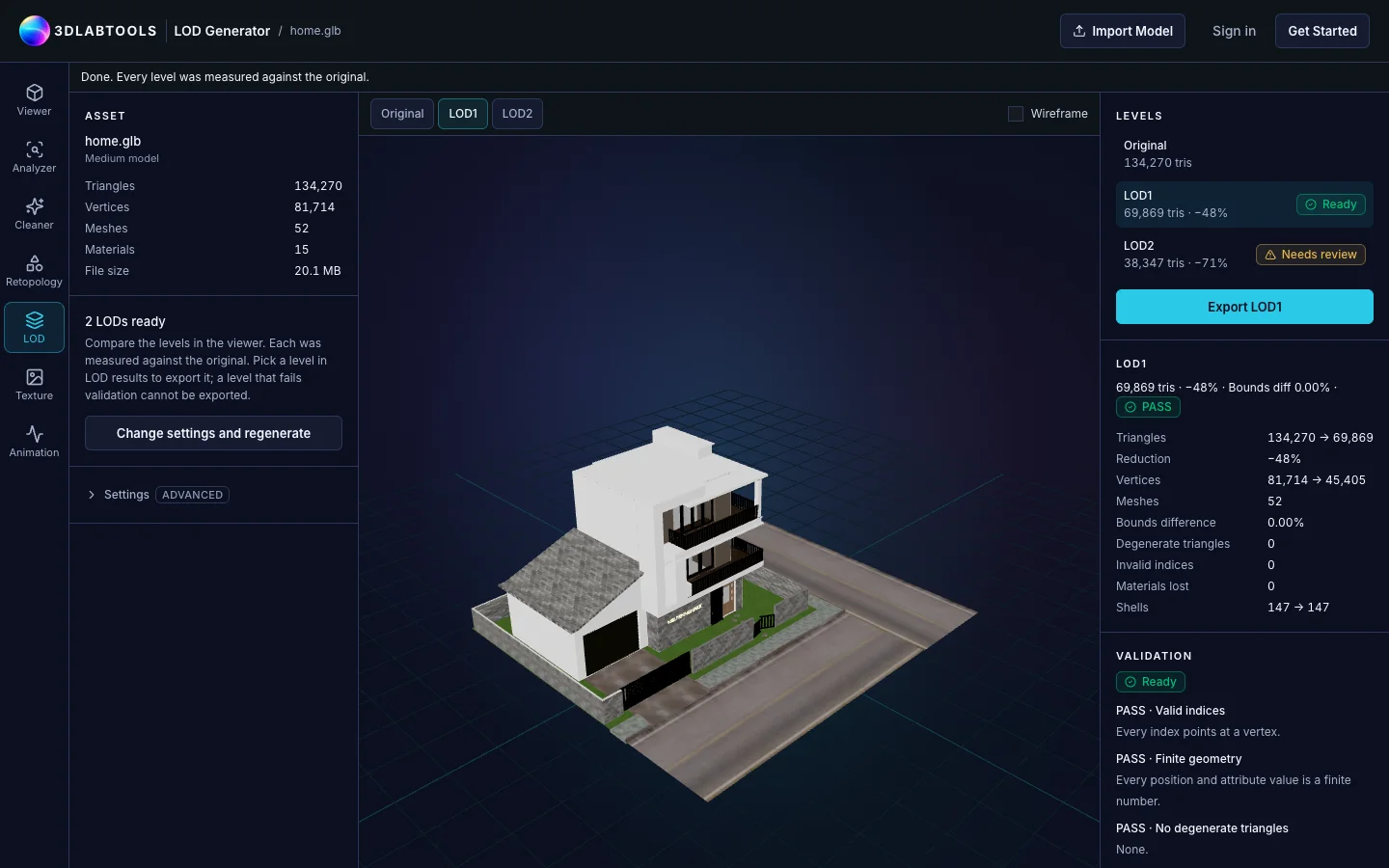
The LOD Generator produced a lighter version of our house example while preserving its materials and separate mesh shells.
- Triangles · original → LOD1
- 134,270 → 69,869
- Geometry reduction
- 48%
- Separate shells preserved
- 147 → 147
- LOD1 validation
- PASS
Measured on this asset, not a promised reduction for every model. Each generated level is validated separately.
Try your own modelTHE RESOURCE LIBRARY
Find the perfect 3D asset for your project.
BUILT AROUND YOUR WORK
Powering 3D workflows across industries.
Game Development
Clean meshes, generate LODs and prepare character motion.
Prepare game assetsWeb 3D
Inspect model weight, optimize textures and share a browser view.
Optimize for the webEducation
Explore models, inspect dimensions and learn through interactive labs.
Explore Math LabsAnimation
Inspect rigs, choose source motion and review character animation.
Open AnimationVisualization
Review materials, lighting and scene structure before handoff.
Open the ViewerMedical / Scientific
Inspect anatomical models and browse the medical Resource category.
Explore medical ResourcesROOM TO EXPLORE
Interactive 3D labs.
Math Labs
Explore vectors, geometry and transformations in 3D.
Physics Labs
Experiment with motion, forces and physical systems.

Your next 3D workflow
Build better 3D assets. Right in your browser.
Take your next asset from first look to final export with tools and resources that fit your workflow.
- Free tools available
- Runs in your browser
- No installation required