
GLB, glTF, and FBX can all carry 3D scene data, but they fit different handoff workflows. Choose a format based on where the asset is going, how its resources are packaged, and which features your exporter and importer can preserve.
For web review, GLB is often the simplest file to distribute. glTF is useful when you want separate, inspectable resources. FBX is common in authoring and game pipelines, where support must be checked against the specific tools involved.
GLB: convenient packaging for a web handoff
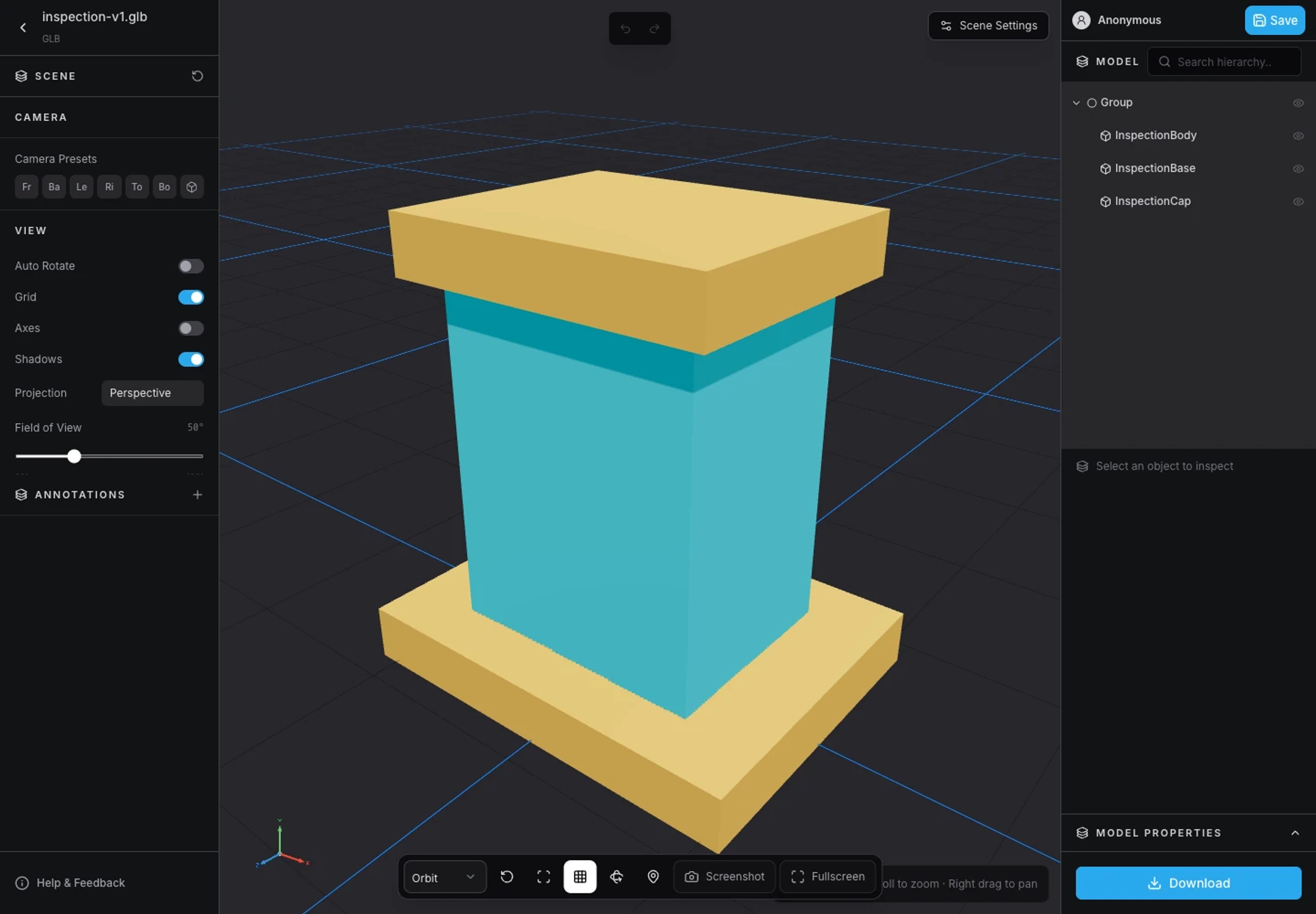
GLB is the binary container form of glTF. A typical GLB export packages the scene, geometry buffers, and images into one file. That makes it easier to select an asset, upload it, and avoid losing a separate texture or buffer during a handoff.
A single file is a packaging advantage, not a guarantee of low memory use or good performance. A GLB can still contain dense meshes, large textures, many materials, and expensive animation data. Inspect the contents rather than judging complexity from the extension.
For example, a product review model with its textures embedded in a GLB is easier to send to a browser viewer than a folder whose texture paths depend on the sender's computer.
glTF: a scene description with resource references
glTF commonly uses a JSON scene file together with binary buffers and image files. Its resources may also be embedded, so not every glTF delivery has the same folder layout.
When resources are external, keep the referenced files and paths consistent. Renaming a texture without updating its reference can produce missing materials. Selecting only the scene file is not enough if its buffers and images are separate.
In the 3DLabTools Viewer, supply the referenced glTF companion files when loading a multi-file asset. See Supported Formats for preparation considerations.
FBX: useful when the receiving pipeline expects it
FBX is widely used for transfers between modeling applications and game tools. Depending on the exporter, it can include geometry, materials, rigs, and animation. Texture files may need a separate handoff.
The important qualification is importer compatibility. Materials, animation behavior, and other scene features can differ between tools. Opening an FBX in one application does not prove that a browser conversion will reproduce every authoring feature.
3DLabTools prepares FBX for canonical GLB saving through its current import and export adapters. Common static meshes and supported animations can be preserved, but unsupported features or inaccessible textures may produce a preparation error. If that happens, export GLB from the authoring tool and compare the result.
Textures and animation need an explicit check
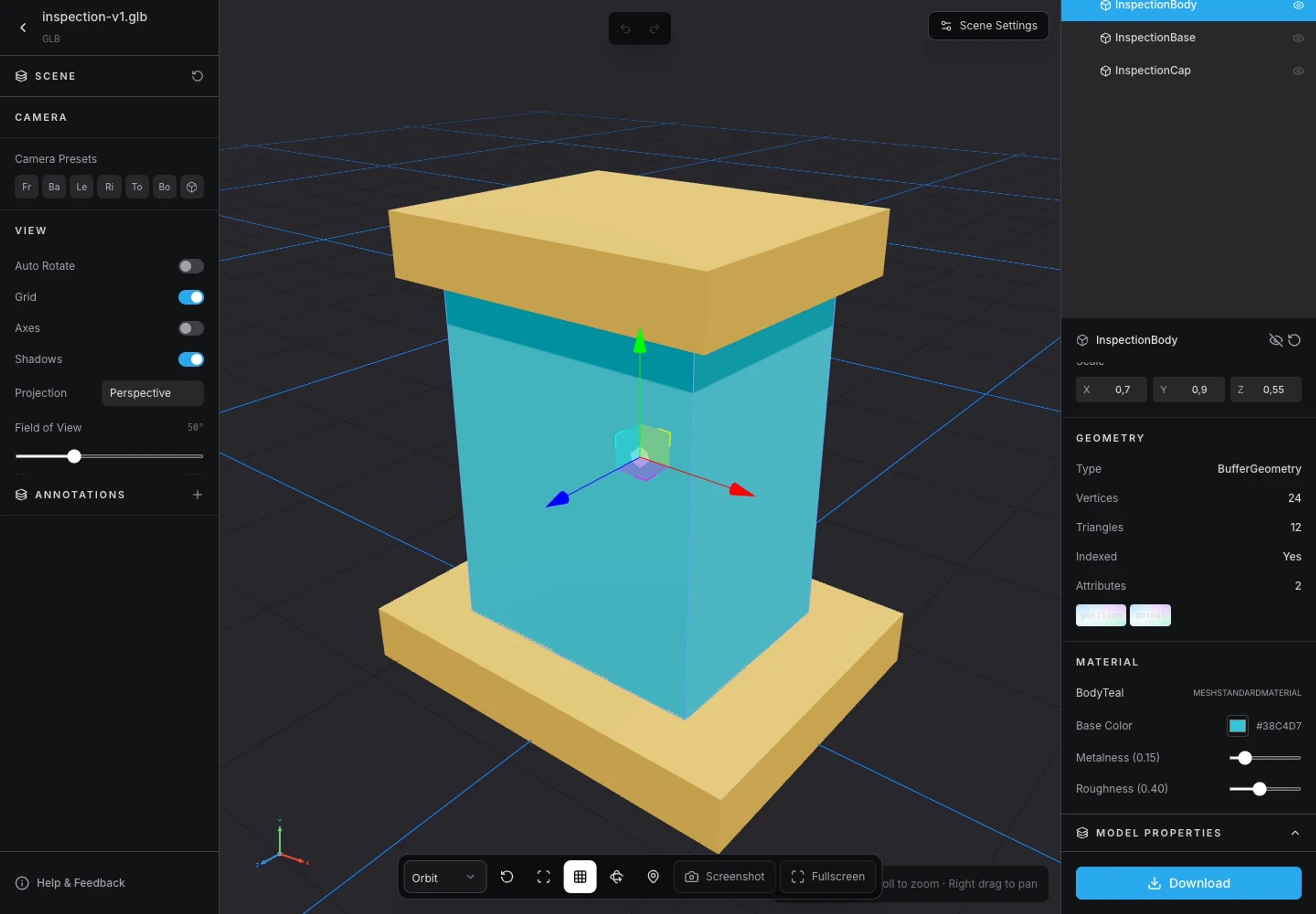
After loading any format, inspect the materials and texture maps. A mesh without its intended images can look structurally correct while still being unsuitable for a review.
Play available animation clips and check the poses that matter: a door's endpoints, a character's walk cycle, or a moving mechanism's range. Importers and exporters have limits, so keep the source rig and authoring project as the editable reference.
A practical game-asset workflow might keep FBX where an engine expects it while using a GLB export for browser review. This is a choice for that pipeline, not a requirement to convert every asset to one format.
Why 3DLabTools accepts three inputs and stores GLB
The 3D Viewer accepts GLB, glTF, and FBX so you can inspect common exported assets. Saved models use GLB as the canonical source format. This gives the Dashboard and public sharing flow a consistent stored representation.
The converted GLB must fit within the 100 MB saved-model limit, even when the input file is smaller. An account can save up to 8 models. Keep the original authoring files; saving a converted review model is not a source-project backup.
Choose by destination, then verify
Use GLB when a self-contained browser review file is useful. Use glTF when separate resources suit your workflow and you can deliver them together. Use FBX when the receiving authoring or game pipeline expects it and you have tested the transfer.
Follow the online viewing guide to compare your exports. If the asset is too heavy for its intended web use, continue with How to Optimize 3D Models for the Web.
Explore product documentation or open the 3D Viewer.